
YouTube is the most viewed video streaming platform across the globe. To reach a global audience, enhance watch time, and improve viewer engagement with non-native speakers, the content creators are now dubbing YouTube videos in multiple languages. Though YouTube Studio offers a dubbing option, its limited access has pushed creators to look for third-party AI tools. BlipCut Video Dubbing is one such AI dubbing tool that can dub videos professionally with accurate dubbing, lip-sync, and clone the voice of the original speaker to preserve the video originality even in the dubbed version.
What is YouTube Dubbing?
Wondering what does dubbed mean in YouTube? YouTube dubbing refers to replacing the audio in the original video with the audio in a different language. Changing the language of audio allows content creators to reach a wider audience by dubbing the audio in their local language, which they can better understand and relate to.
What does it support?
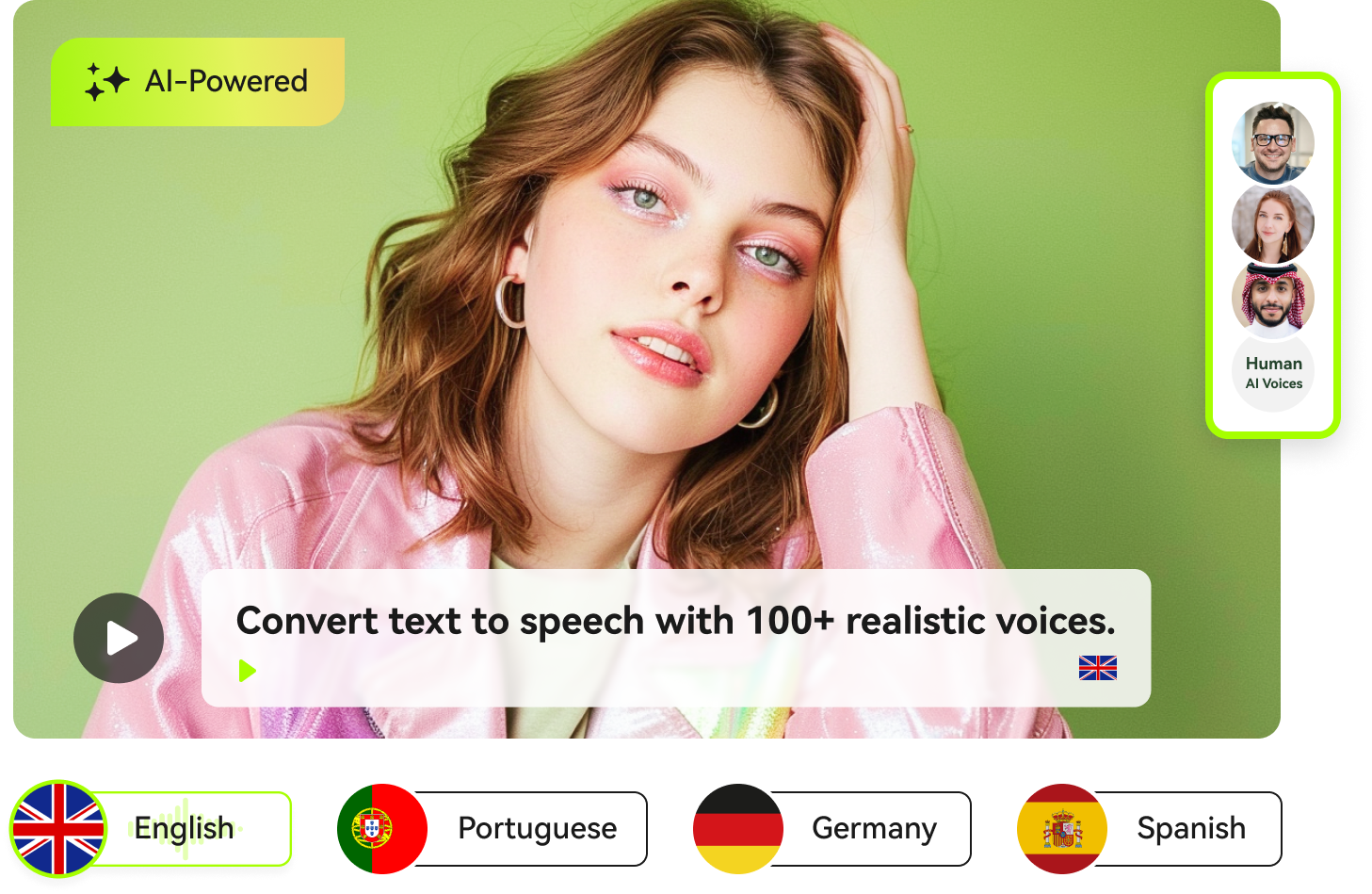
YouTube dubbing feature supports dubbing in major global languages including (but not limited to)
English
Hindi
French
Portuguese
Korean
Indonesian
Spanish
Italian
German
Japanese
YouTube allows creators certain controls to manage the dubbed videos, including:
-
Review: Creators can review the dubbed video for quality check.
-
Uploading dub: It is up to creators to upload the dubbed audio track whenever they like. They can hold the upload if they want.
-
Replace tracks: Creators can replace the audio tracks if the track has some errors with corrected or updated versions.
-
Language management: Creators can post a single video in several languages to cater to a global audience.
-
Viewer selection: Viewers can select the video’s language if a video is uploaded in multiple languages. It allows viewers to enjoy videos in their native language.
-
Subtitles: Translated subtitles can be added to the original video, or a dubbed video can be accompanied by subtitles in the original language.
Limitations of YouTube Dubbing
YouTube does offer an adequate dubbing feature, but it is still in the development stage and cannot offer accurate results for commercial use. Here are some of its limitations:
-
Limited access: Access to this tool is limited to only a few creators, with many creators still awaiting access.
-
Limited language coverage: It offers dubbing in major international languages only, with no access to regional or less common languages.
-
Translating issues: It can sometimes fail to translate slang, cultural references, and niche content.
-
Inadequate voice quality: AI-generated voice is quite robotic and lacks emotional tone.
-
Imperfect lip-sync: Sometimes lip-sync seems imperfect, giving an unnatural feel to the video.
-
Creator control limitations: Creators have limited control in comparison to the third-party tools.
AI Dubbing YouTube Videos for More Languages
Third-party AI-powered tools can do wonders when it comes to dubbing YouTube videos. Some of these tools are more developed and are designed to overcome the limitations mentioned above. There are certain tools like BlipCut AI Dubbing that allow dubbing in less common and regional languages, enhancing the range of dubbing languages. BlipCut dubbing can translate video in 77 input languages and process them in around 142 target languages. With more than 40 AI-generated languages and more than 600 AI voices, BlipCut helps you dub YouTube videos with the power of AI. It also offers better creator control, enhanced lip-sync, a voice cloning feature, and easy access to users.
Key Features
-
Video dubbing: BlipCut offers exceptional video dubbing by replacing the original audio with dubbed audio in the target language, ensuring lip-sync so that the video appears natural and professional. This feature eliminates the need to hire local translators or voice-over artists to dub a YouTube video in the local language.
-
Context-based dubbing: The AI model deeply understands the context of the video to dub it more appropriately.
-
Multi-speaker recognition: Recognizes voices in multiple languages and clone dubbing, ensuring lip-sync.
-
Recognize source language: Not sure about the source language? BlipCut uses AI to automatically recognize the input language with utmost accuracy.
-
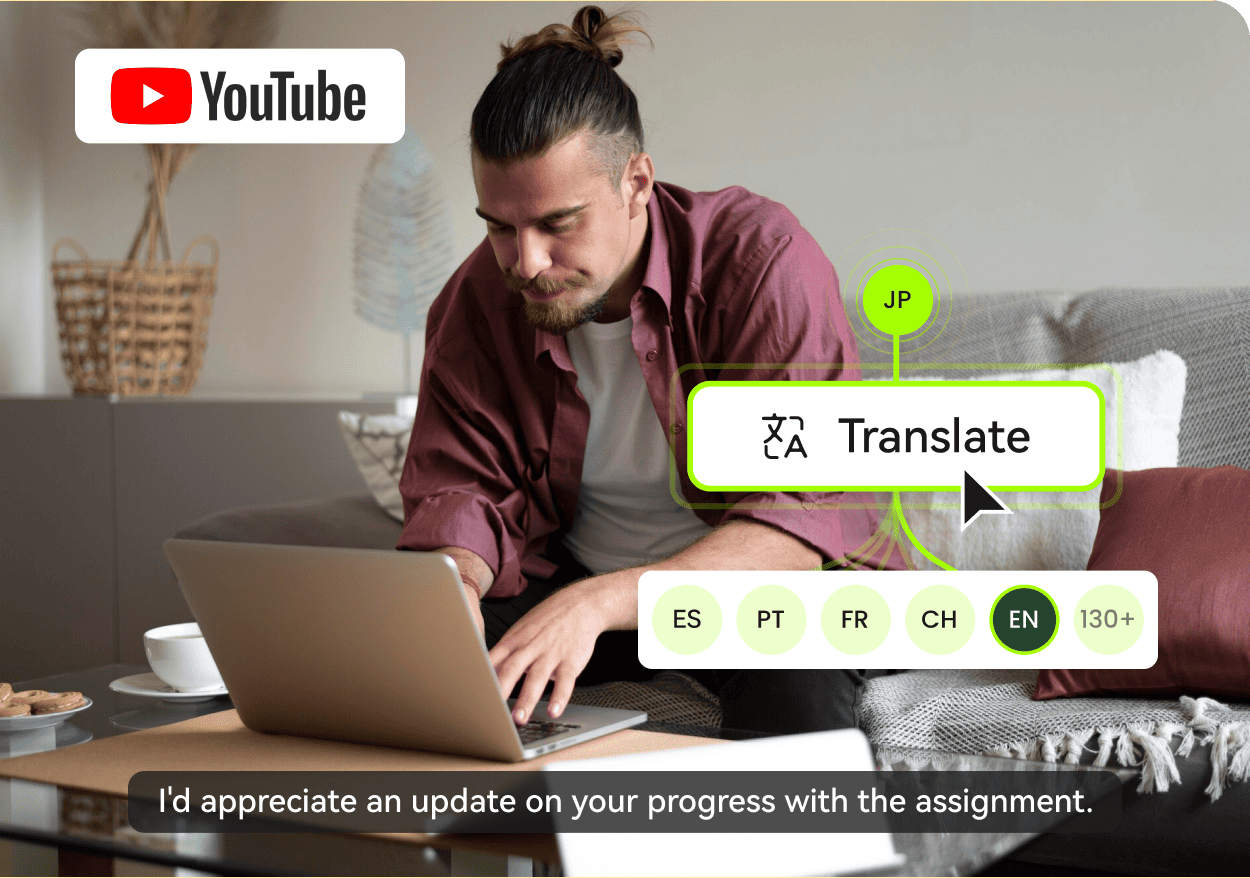
Video translation: With the power of AI, BlipCut allows you to translate videos in more than 140 languages and offers AI-generated voice-overs, creating multilingual content in just a few clicks.
-
Voice Cloning : BlipCut not only offers a range of AI-generated voices, but it can also clone the original speaker's voice and then dub the video into the target language in that very language. Voice cloning preserves the authenticity of the video even when it is dubbed.
-
Automated subtitles: Using speech recognition technology, this tool automatically generates the subtitles. It can also translate or dub these subtitles in multiple languages.
-
Lip Sync: This tool dubs videos while matching the lip movement or original speaker to make the dubbing seamless and professional.
-
Audio-to-text: This tool can also transcribe audio of YouTube videos into text that can be used for educational purposes.
-
Batch translation : BlipCut offers batch translation by translating and dubbing multiple videos simultaneously, which saves precious time.



How to use BlipCut
-
Step 1: Access BlipCut
To access the BlipCut AI multilingual dubbing tool.

-
Step 2: Upload YouTube Video
To upload a YouTube video, you can either browse a video saved on your PC or paste an online video link.
-
Step 3: Choose Language and voice
This tool can auto-detect the input language. All you need to do is select the target language and voice for dubbing. You can also click on instant voice clone if you want the dubbed voice to be the same as the original voice. Once you have selected all desired options, you can click on Translate to start the dubbing process.
-
Step 4: Review and download
You can then review and download the dubbed video on your PC.
YouTube Dubbing FAQs
-
Q1. How to dub YouTube video?
A1: To dub YouTube videos, you can hire a translator who can record audio in the target language and combine it with the original video. If you don't want to re-record the video and also want the lip movements to match the target language, then you can use efficient AI dubbing tools such as BlipCut.
-
Q2. Does YouTube have a built-in dubbing feature?
A2: Yes, YouTube does offer a video dubbing feature in YouTube Studio, but this feature is available only to limited creators. This is why the majority of YouTube users go to third-party AI apps (like BlipCut) to dub videos.
-
Q3. How much time do AI tools take to dub YouTube videos?
A3: The time taken to dub YouTube videos depends on the length of the video, target language, processing speed of the AI tool, and internet speed.
Conclusion
Though the YouTube dubbing feature is facilitating creators, it is still in development and has some limitations in terms of dubbing language availability, access, and creator control. To overcome these limitations, creators look forward to third-party tools such as BlipCut Video Dubbing. Try it now to enjoy accurate translation, multiple-language access, better creator control, and instant voice cloning, and dub your videos with a professional appeal.
Leave a Comment
Create your review for BlipCut articles


Blake Keeley
Editor-in-Chief at BlipCut with over three years of experience, focused on new trends and AI features to keep content fresh and engaging.
(Click to rate this post)